
|
Settings |
Scroll |
Tap on the tribar icon on the left side of the screen (≡) and select Settings to open the settings menu for the Therefore™ Go app.


|
Settings |
Scroll |
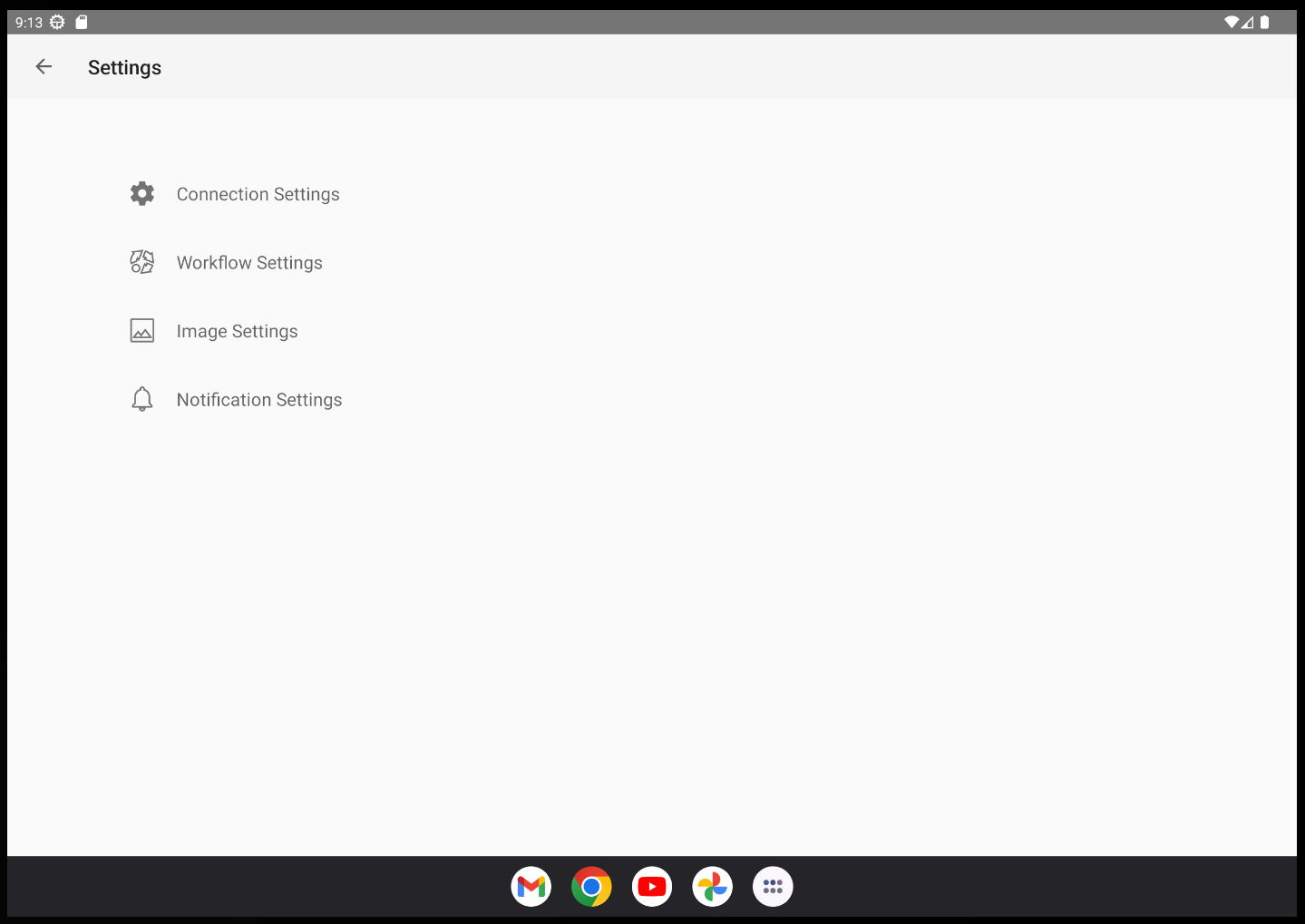
Tap on the tribar icon on the left side of the screen (≡) and select Settings to open the settings menu for the Therefore™ Go app.