|
Error Handling in the Therefore™ Content Connector |
Scroll |
How do I view and handle Therefore™ Content Connector document errors in the Therefore™ Console?
1. In the Therefore™ Console, select the Manage Faulty option under the Content Connector tab.
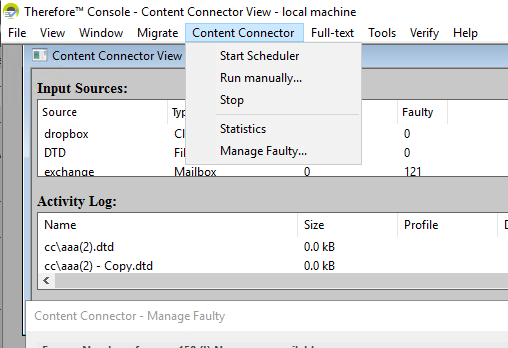
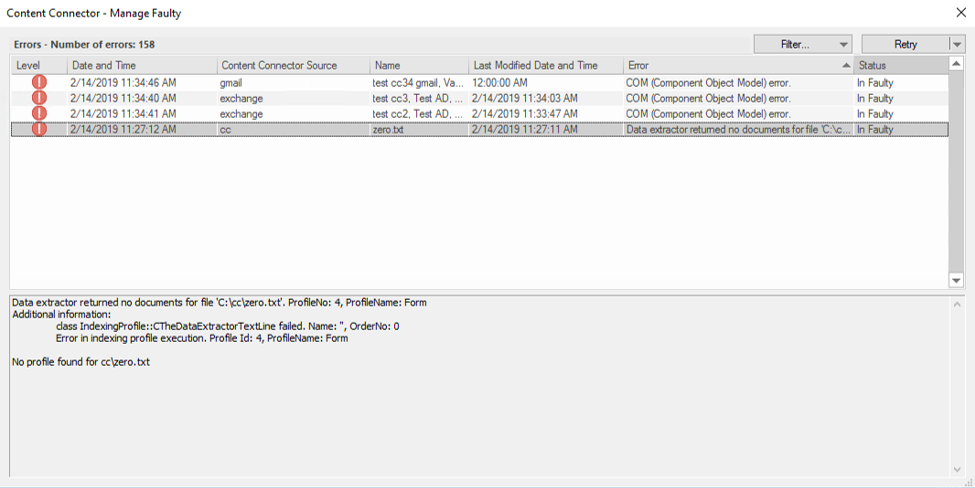
2. A list of document errors will appear in a new dialog (with the option to filter errors based on configured sources for document storage).
|
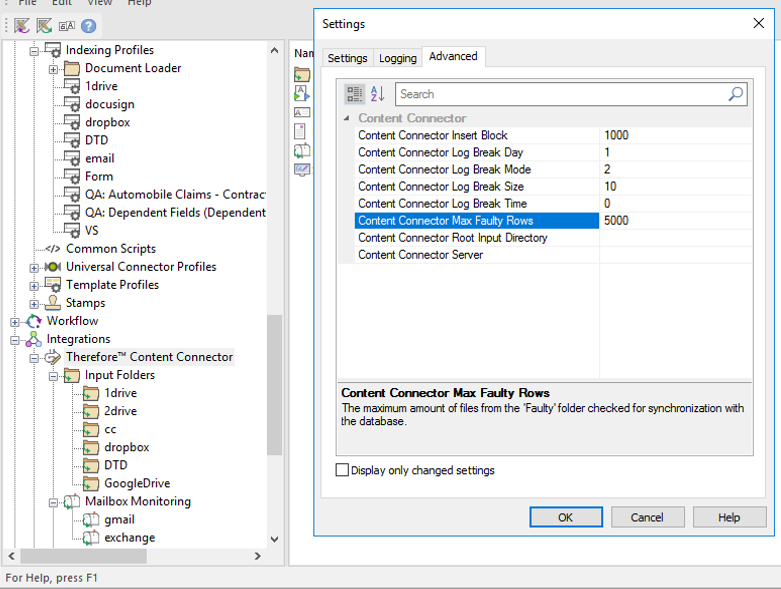
The number of faulty rows are customizable in the Therefore™ Solution Designer by going into the Advanced Settings option of the Therefore™ Content Connector node (see below).
|