|
Installing Therefore™ for Microsoft Teams |
Scroll |
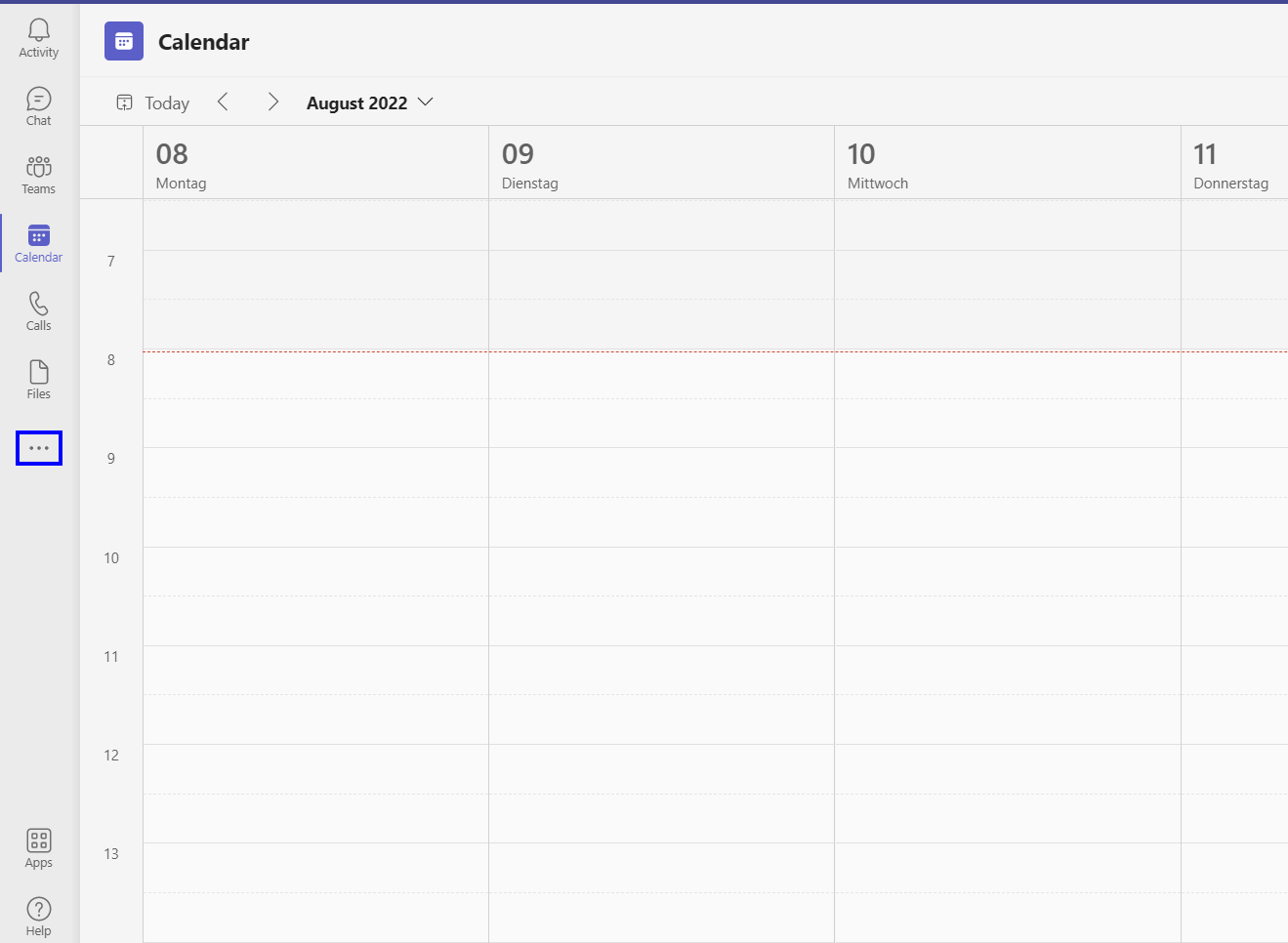
1.Open the Microsoft Teams app. Click the three dots icon (…).
|
Note: Preparing the Therefore™ tenant To find out how to activate the Therefore™ for Microsoft Teams in the Therefore™ Solution Designer click here. |
|---|

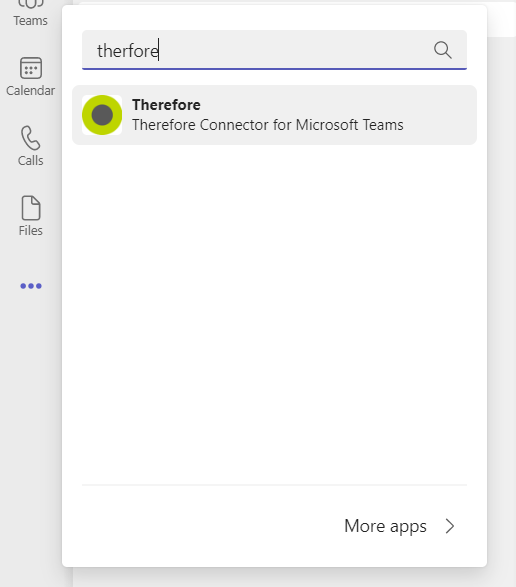
2.Type 'Therefore' into the search bar and click on the Therefore™ app.
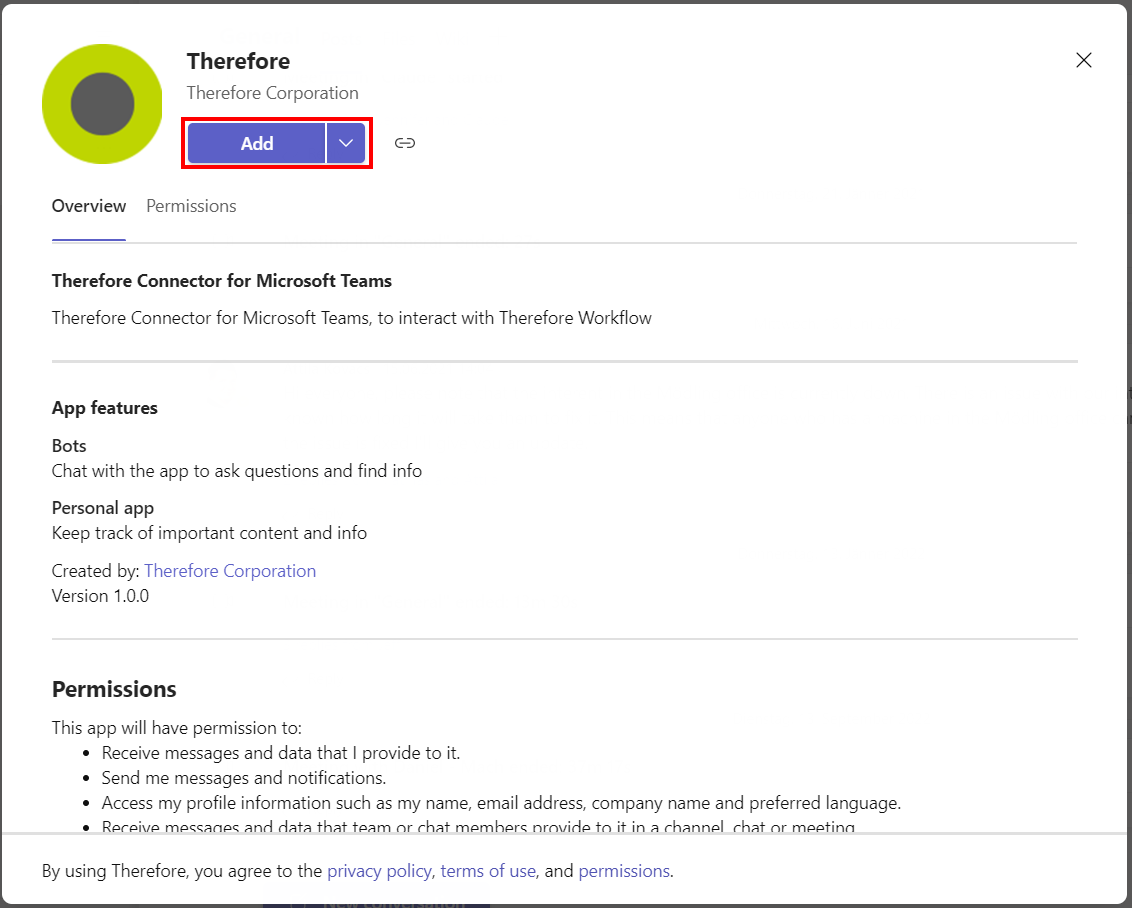
3.This opens a pop-up containing information on the app. To proceed with the installation, click Add.
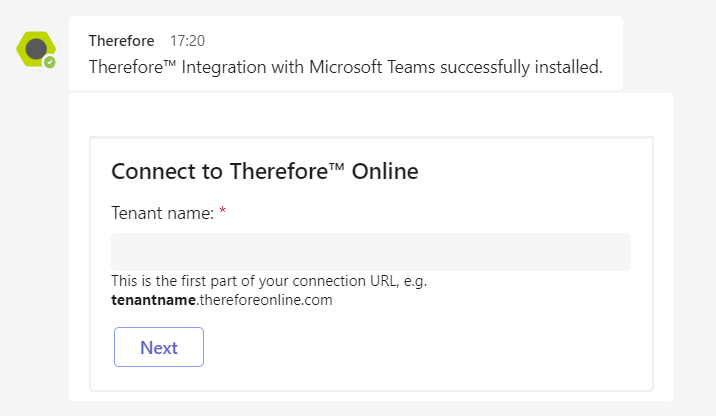
4.This adds the Therefore™ app to Microsoft Teams. In the Microsoft Teams app, a confirmation message is displayed. To proceed, connect to a Therefore™ tenant.